There is no sound or the sound is too low at maximum volume.
- Check if Mute mode is set to . If so, press the mute button on your remote to restore the sound.
- Press volume button on your remote control to check the volume settings.
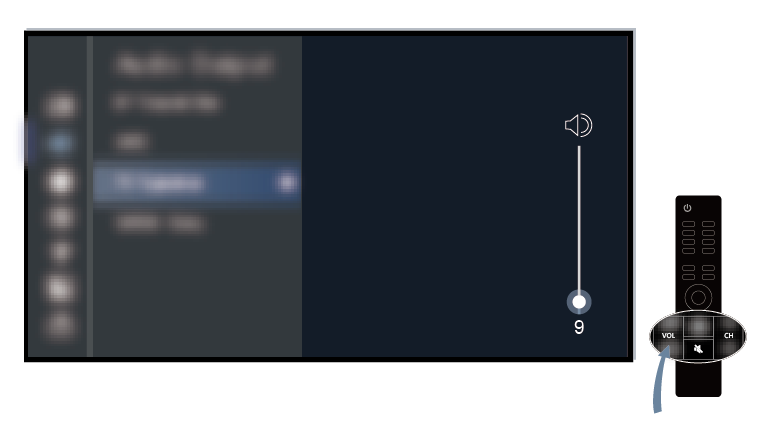
- Check the volume control of the device (cable or satellite box, DVD, Blu-ray, etc.) connected to your TV.
- Make sure that the audio cable is connected to the correct audio output connector on the external device.
- Check input cable connection to the TV. Incorrect connections may cause no sound.
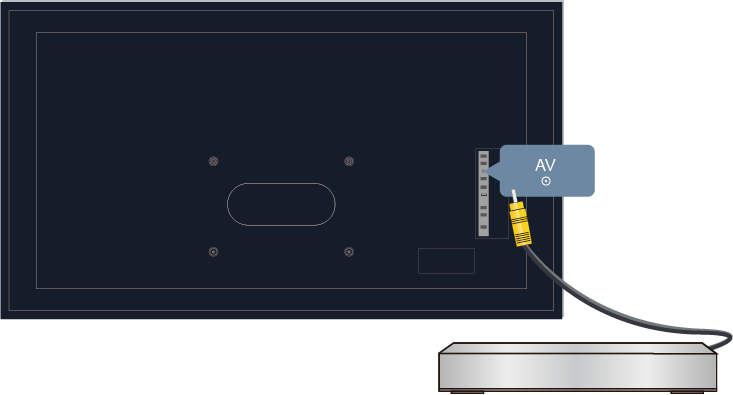
- Make sure that you select the corresponding input source. For example, if you connect HDMI cable to HDMI 1 port, please select HDMI 1 as the input source on TV.
- Check whether is selected at
 >
>  Settings > Display & Sound > Audio Output.