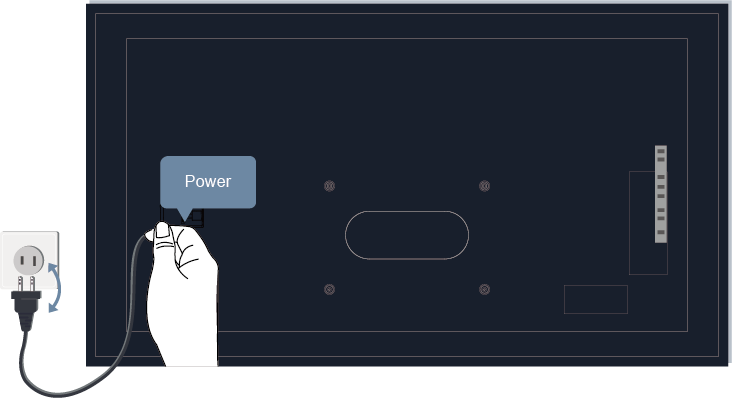
There is no picture, or the picture is black and white.
- Check input cable connections. Incorrect connections may cause color problems or a blank screen.
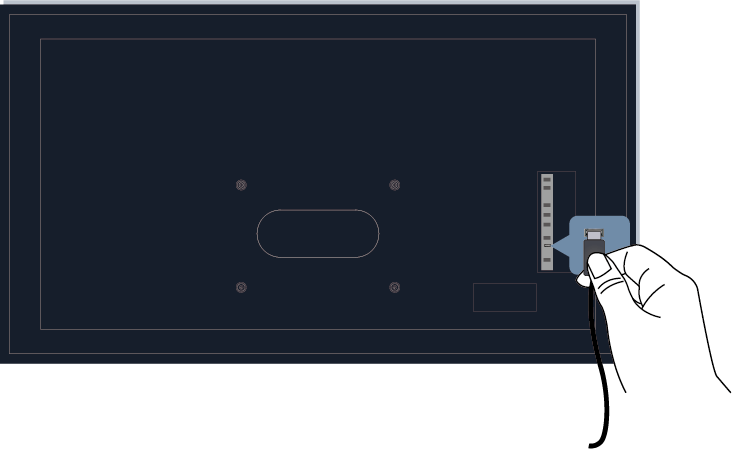
- Make sure that you select the corresponding input source. For example, if you connect HDMI cable to HDMI 1 port, please select HDMI 1 as the input source on TV.
- Check if the is set to 50 or higher at
 >
>  Settings > Display & Sound > Picture > Color.
 - Press button on your remote control and select Settings > Display & Sound > Picture > Brightness and check and adjust the settings.
- Switch to other channels or contents to check if the picture color is normal.
- Unplug the TV power cord from AC outlet and re-plug it after 60 seconds.